Creating metadata for ASO starts with choosing App Store keywords that describe your app and match how people search. The goal isn’t to collect the highest-volume terms. It’s to find relevant terms, place them in the right App Store fields, and support them with a product page.
Metadata can improve search relevance, but it can’t guarantee rankings or downloads. Treat keyword selection as one part of a broader ASO strategy.
How to choose App Store keywords for ASO
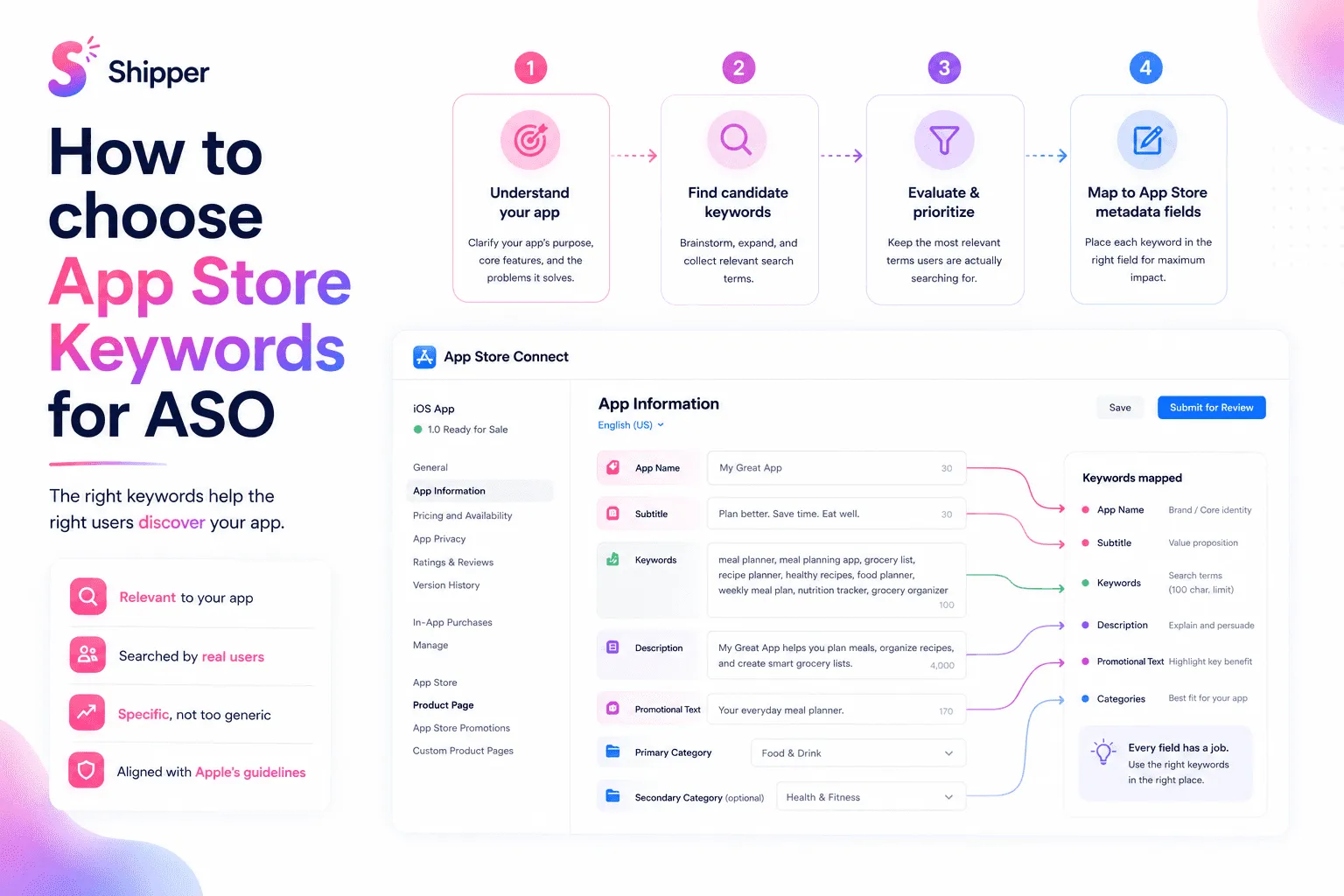
Start with product facts before opening a keyword research tool. Write down four things:
Audience: Who is the app for?
Problem: What are they trying to solve?
Action: What can they do with the app?
Feature: Which functions make that action possible?
A meditation timer, for example, might produce terms such as “meditation timer,” “breathing,” “guided sessions,” “focus,” and “relaxation.” These aren’t final choices. They’re a seed list grounded in the real product.
Next, add language from support messages, customer interviews, App Store search suggestions, and your website analytics when available.
Every candidate must pass a test: if someone searches this term and installs the app, will the product meet the expectation? If not, remove it.
Evaluate relevance before volume
Keyword tools can estimate search volume and difficulty. Those estimates help compare terms, but they shouldn’t override relevance.
Score each candidate using three questions:
Relevance: Does the app satisfy this search?
Intent: Is the person looking for this type of product?
Specificity: Does the term describe a clear use case or feature?
Only then compare estimated volume and competition. A broad term may attract more searches but place your app against stronger, less relevant results. A specific term may have lower volume while bringing visitors with a clearer need.
For a fictional focus app, “productivity” is broad. “Study focus timer” expresses a product category, audience, and action. The second term may be more useful even if a tool reports less traffic.
Group the remaining terms as primary, supporting, or experimental. This shows which choices protect the positioning and which ones can change.
Map terms to the right App Store fields
Apple says text relevance includes matches with the app title, subtitle, keywords, and primary category. These fields deserve attention.
App name: Keep the brand clear. Add a descriptive term only when it reads naturally and fits the 30-character limit.
Subtitle: Use its 30 characters to explain the main value or use case.
Keyword field: Apple allows 100 characters. Separate terms with commas and don’t add spaces after commas. Avoid words already used in the app name, subtitle, or category, along with duplicate plurals, filler words, and overly generic terms.
Category: Choose the category that best represents the app. Don’t select an unrelated category simply because it appears less competitive.
The description and promotional text have a different job. Apple says promotional text doesn’t affect search ranking and advises against adding unnecessary keywords to the description. Write these fields for people. Explain the product clearly and use natural language.
Your screenshots should continue the same message. If your subtitle targets “study focus timer,” the first images should show that workflow rather than an unrelated secondary feature. See how to design App Store screenshots that convert.
A practical keyword mapping example
Imagine a fictional app called Flowmark. It offers timed focus sessions, planned breaks, and study statistics.
Its seed list includes:
focus timer
study timer
interval timer
concentration
productivity
habit tracker
“Habit tracker” is removed because tracking habits isn’t a core feature. “Productivity” stays experimental because it’s broad. “Focus timer,” “study timer,” and “interval timer” closely match the product.
A possible mapping could be:
App name: Flowmark: Study Timer
Subtitle: Plan Deep Work Sessions
Keyword field: focus,concentration,breaks,revision,interval
Category: Productivity
This isn’t a universal formula. It shows the logic: reserve visible fields for the clearest promise, avoid repetition in the keyword field, and remove terms the product can’t support.
Then align the description and screenshots with the same promise. The product page should feel like one explanation, not several disconnected keyword experiments. The guide to why App Store metadata matters explains this relationship in more detail.
Localize and improve after release
Don’t reuse an English keyword list unchanged in every market. Translate the product meaning, then research how local users describe the same problem. Adapt the app name, subtitle, keywords, and screenshot copy as one localized page.
After release, use App Analytics in App Store Connect to monitor impressions, downloads, and conversion rate by source. These metrics can show whether a metadata update deserves further investigation.
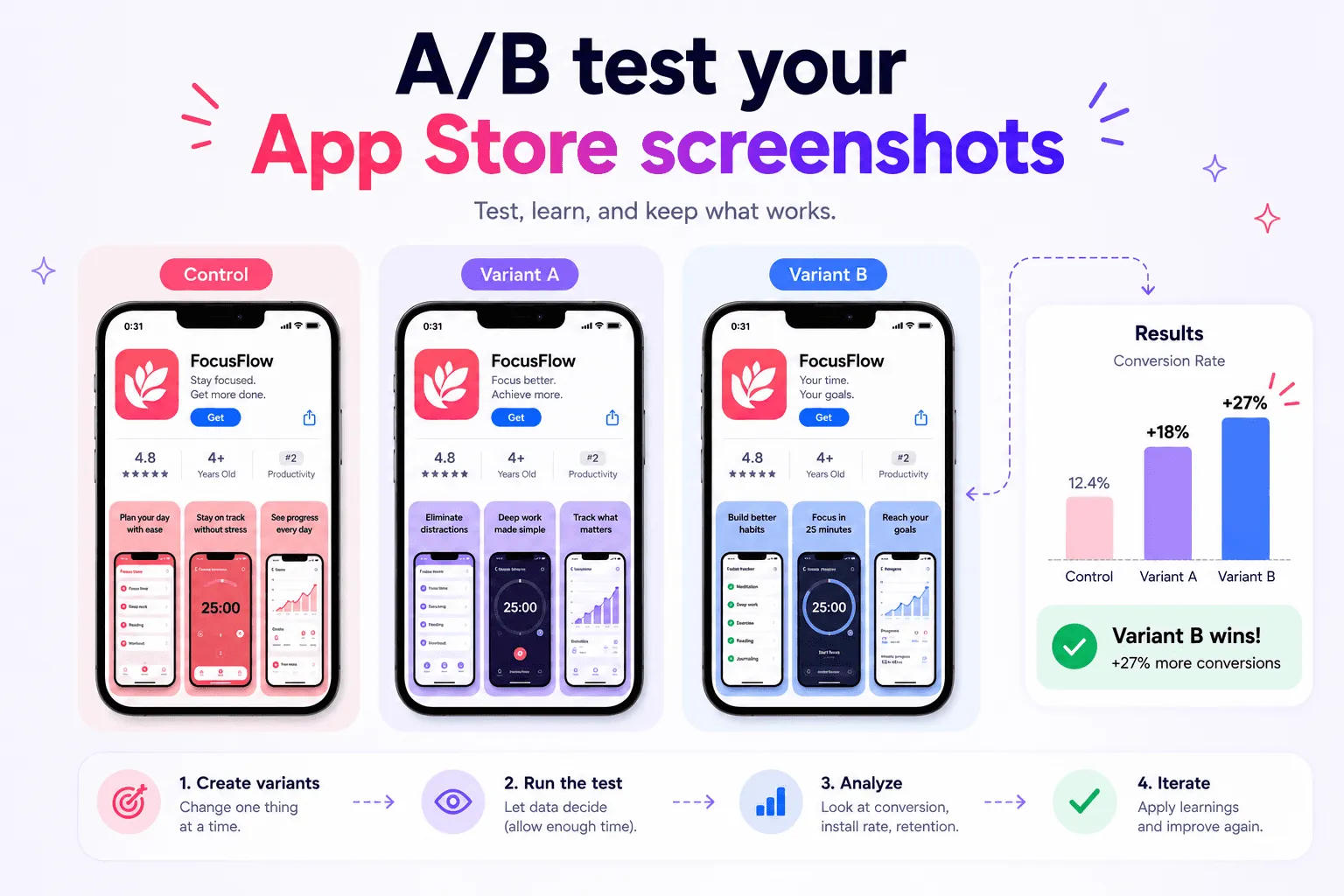
Change one group at a time and keep a record of the previous version. Avoid replacing every field at once, because the result becomes harder to interpret.
FAQ
How many App Store keywords can I add?
Apple limits the keyword field to 100 characters rather than a fixed number of keywords. Use concise, relevant terms separated by commas.
Should I repeat keywords in the app name and keyword field?
No. Apple advises against repeating words already used in the app name, subtitle, or category inside the keyword field.
Does adding more keywords improve ASO?
Not automatically. Irrelevant or overly broad terms can create a poor match between the search and the product. Prioritize relevance, intent, and accurate expectations.
Create metadata for ASO around real user intent
The best App Store keywords connect real product value with the language people use to find it. Build a relevant seed list, evaluate intent before volume, map terms to the correct fields, and localize the complete product page.
If you want to keep metadata, localizations, and screenshot assets organized through publishing, Shipper can help manage that workflow without replacing your keyword research tools.