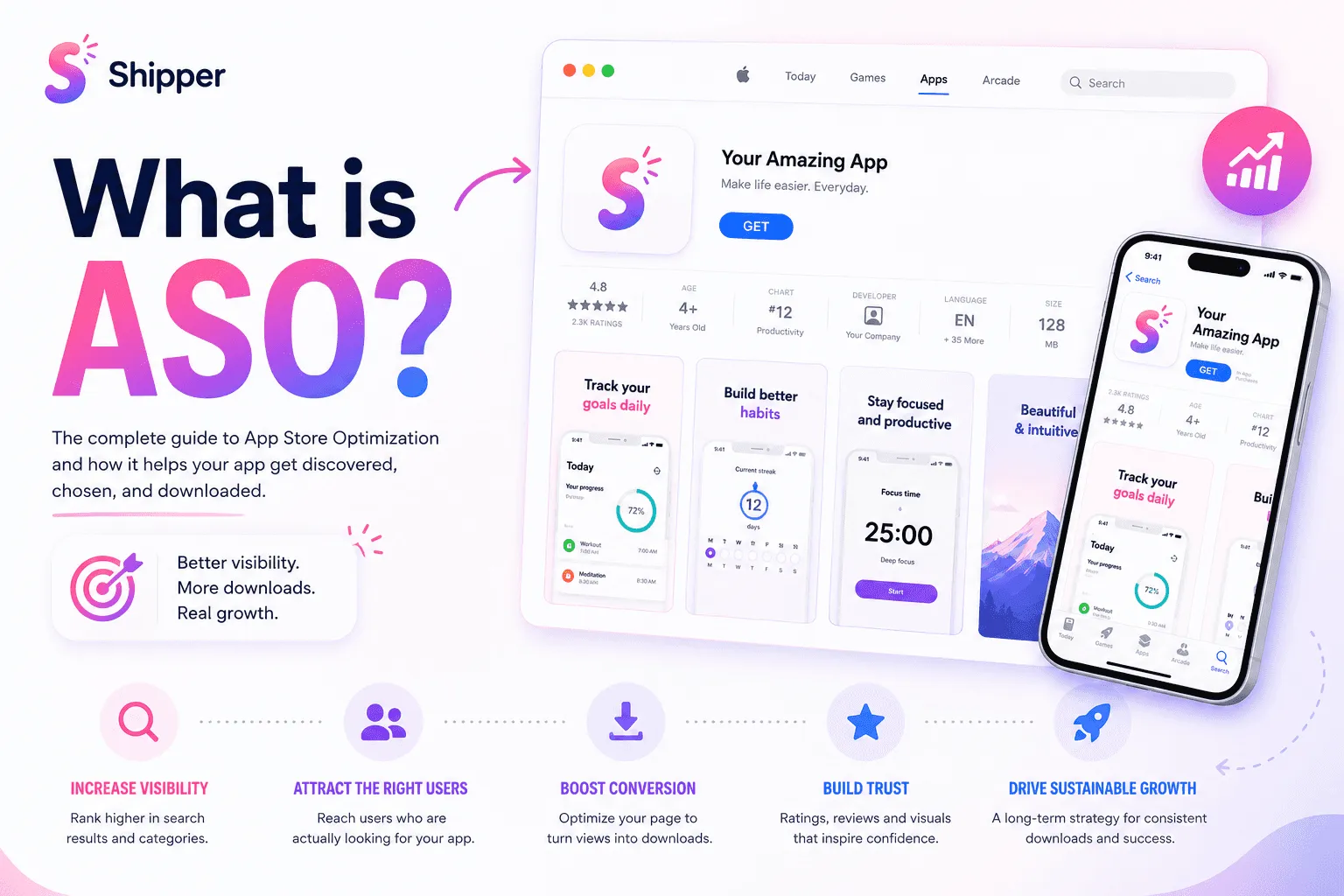
ASO stands for App Store optimization. It improves how an app is discovered and how effectively its product page turns relevant visitors into downloads.
ASO has two connected jobs. First, help the right people find your app. Second, give them enough clarity and confidence to install it.
Keywords are part of that work, but they are not the whole strategy. Metadata, screenshots, localization, ratings, reviews, and the product experience all contribute.
What is ASO and what does it optimize?
When people ask “what is ASO?”, the simplest answer is: ASO improves discoverability and conversion in app stores.
Discoverability is about appearing for relevant searches. Conversion begins when someone sees your result or opens your product page. The page must explain what the app does, who it is for, and why it deserves a download.
ASO is an ongoing product marketing process. It is not a one-time keyword list, a paid advertising campaign, or a guarantee of a specific ranking.
How ASO works on the App Store
Apple says App Store search considers text relevance, including matches in the title, subtitle, keywords, and primary category. It also considers user behavior such as downloads, ratings, and reviews.
Search results can display the app name, subtitle, rating, and up to three screenshots or app previews. Metadata helps Apple understand where an app may be relevant. Creative assets help people decide whether it is relevant to them.
Imagine a meal-planning app. Its metadata can connect it with searches related to weekly meals or grocery planning. Its first screenshots should then show the planning workflow and a clear benefit. Generic lifestyle artwork would waste the visibility earned through search.
The main parts of an ASO strategy
Search metadata
Use accurate terms that describe the app’s real functionality. On Apple’s App Store, the app name and subtitle can each contain up to 30 characters. The keyword field allows up to 100 characters.
Apple advises developers not to repeat words already used in the name, subtitle, or category. Promotional text does not affect search ranking, so do not use it to hold extra keywords.
Choose the primary category that best represents the product.
Product page creatives
Your icon, screenshots, and optional app previews explain the product visually. Apple notes that the first one to three screenshots may appear in search results when no app preview is available.
Treat those images as a short product story. Lead with the clearest benefit, show the real interface, and keep the copy readable. The guide to designing App Store screenshots that convert explains how to structure that sequence.
Before publishing, confirm that every asset follows Apple’s current App Store screenshot guidelines.
Localization
Localization can expand discoverability because people can search using localized keywords in supported countries and regions.
Good localization goes beyond translating individual words. Search language, feature priorities, screenshot copy, and context can change by market. Start with markets that matter instead of creating many weak localizations.
Product quality and measurement
Ratings and reviews can influence App Store search ranking and whether people trust the product page.
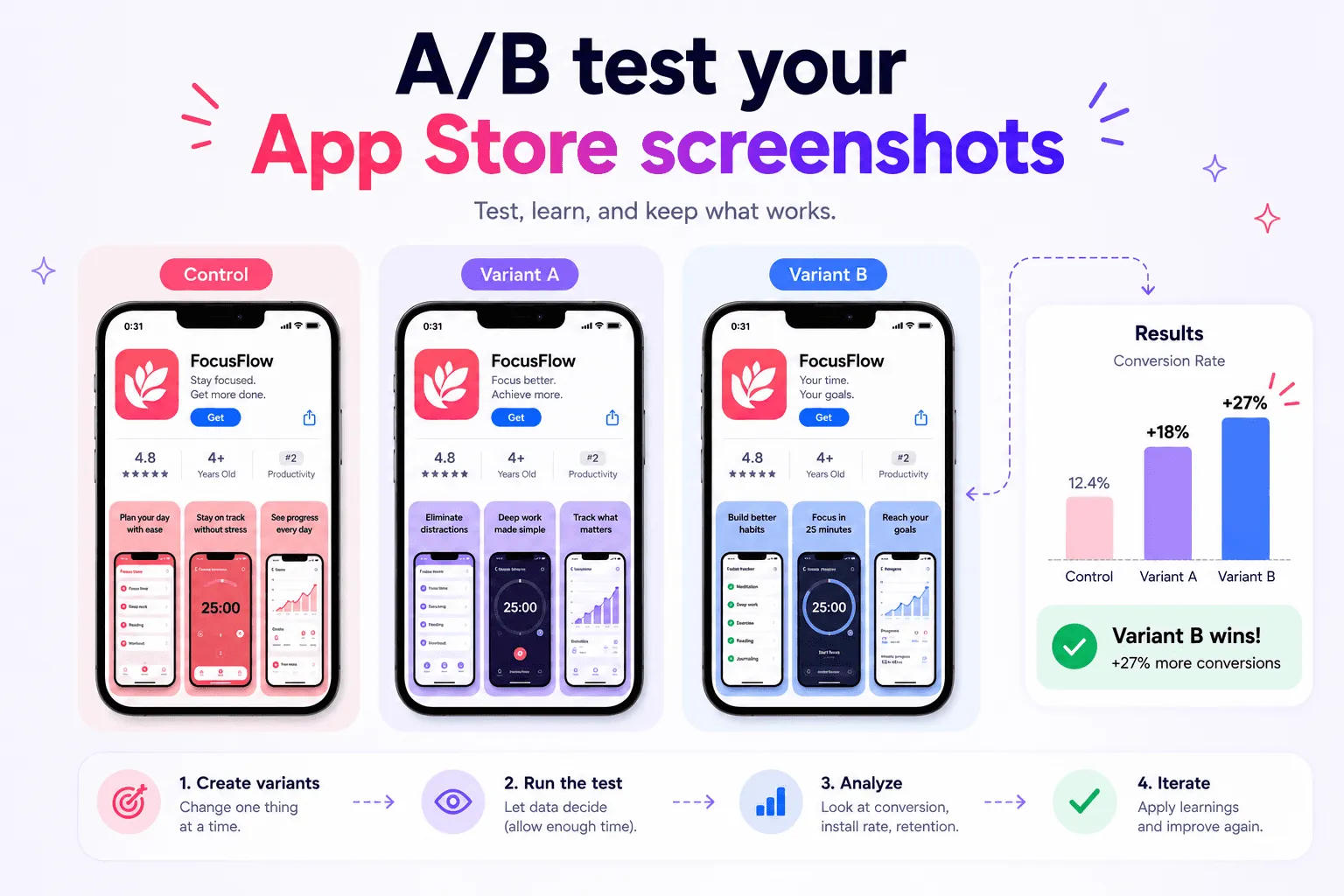
Use App Analytics in App Store Connect to monitor impressions, conversion rate, and downloads. Avoid changing metadata and every creative asset at the same time. Smaller experiments are easier to interpret.
A practical ASO workflow for beginners
Use a repeatable workflow:
Define the audience and the problem the app solves.
Choose accurate metadata based on how that audience searches.
Build a screenshot sequence around benefits and real product screens.
Localize metadata and creatives for priority markets.
Publish the complete set in App Store Connect.
Measure discovery and conversion, then improve one area at a time.
The complete guide to App Store screenshots can help with the creative work. When assets and localizations multiply, a workflow-focused tool such as Shipper can reduce the manual work between design and publication.
What ASO cannot fix
ASO cannot repair a confusing product, unreliable performance, weak onboarding, unsuitable pricing, or poor product-market fit.
It also cannot replace analytics. You still need App Store Connect data and, where appropriate, product analytics to understand what happens before and after installation.
The useful question is not “How do I rank for more keywords?” but, “How do I connect the right audience with a product that solves their problem?”
FAQ
What is the difference between ASO and SEO?
ASO focuses on visibility and conversion in app stores such as Apple App Store or Google Play Console. SEO focuses on visibility in web search engines such as Google or Bing. They share principles, but use different fields, interfaces, and performance data.
Are keywords enough for ASO?
No. Keywords support discovery, but the icon, screenshots, localization, ratings, reviews, and product experience also affect performance.
Does ASO include App Store screenshots?
Yes. Screenshots are a core conversion asset and may appear in App Store search results. They should explain the app quickly and represent its real experience accurately.
How often should I update my ASO?
Update ASO when you have a clear reason, such as new features, weak conversion, inaccurate positioning, a new market, or useful performance data. Avoid changes without a hypothesis you can evaluate.
Conclusion
Understanding what ASO is means looking beyond keywords. Strong App Store optimization connects accurate metadata, clear creatives, thoughtful localization, product quality, and ongoing measurement.
Start by making the app understandable to the right audience. Then use real performance data to improve how people discover it and decide to download it.