App Store localization means adapting your product page for specific languages and markets. Names, subtitles, keywords, screenshots, previews, URLs, and update text may need local decisions.
It is separate from localizing the app itself in Xcode. You can localize App Store Connect metadata without translating the binary, but a product page that promises a local experience the app doesn’t provide can disappoint users.
What App Store localization includes
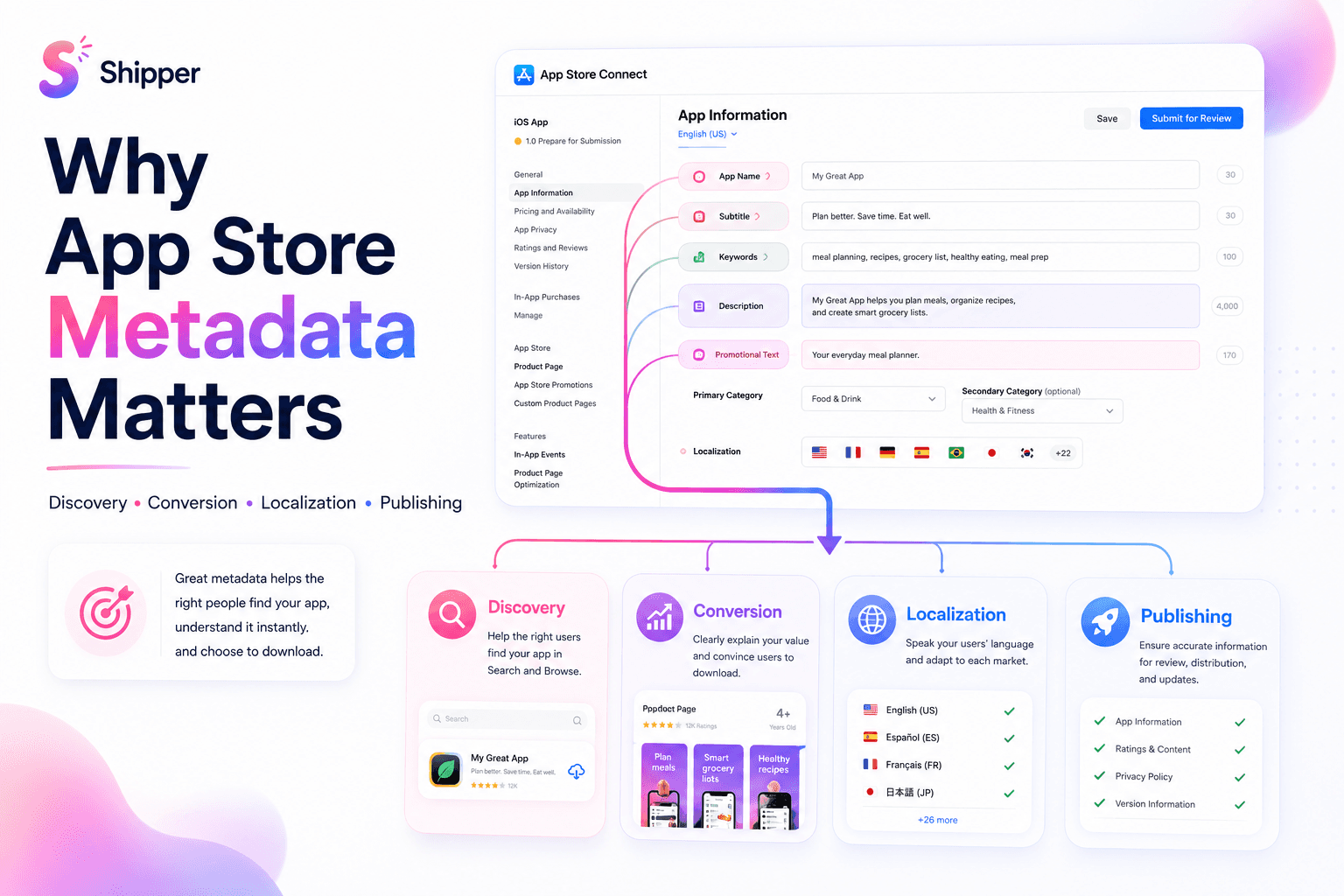
Apple lets developers localize product-page information such as the app name, description, keywords, screenshots, app previews, promotional text, support and marketing URLs, and What’s New text where the field and platform support it.
These elements have different jobs:
Search metadata helps Apple match the app with relevant queries. This includes the name, subtitle, keywords, and category signals.
Product-page copy explains what the app does and who it helps.
Visual assets show the interface, features, and expected experience.
Operational links direct users to suitable support, marketing, and privacy information.
Localization should keep these parts consistent. A German subtitle targeting study planning should not lead to English screenshots about an unrelated secondary feature.
For the broader role of these fields, read why App Store metadata matters.
Choose markets before translating
Don’t localize every available language by default. Start with markets supported by evidence.
Review product-page views, downloads, sales, active devices, retention, support requests, and existing website traffic by territory. Also consider whether the app solves a relevant local problem, supports the required language inside the product, and complies with local rules.
Then create a source brief for translators or reviewers:
target audience and use case
central product promise
feature explanations
approved terminology
words that must remain unchanged
character limits and field purpose
screenshots showing where each phrase appears
claims that require evidence
This context prevents technically correct translations that miss the product meaning.
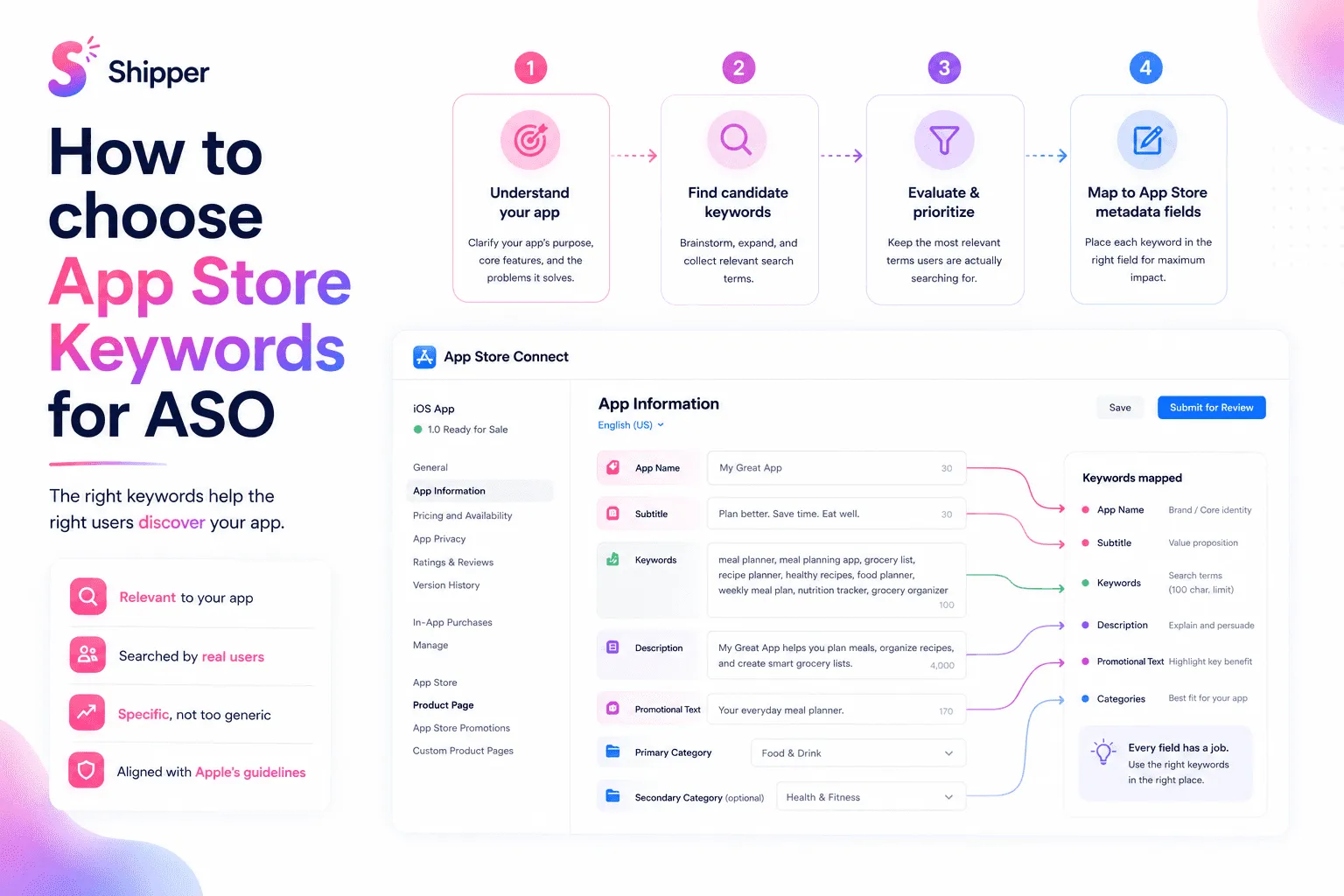
Keyword localization needs separate research. People in different markets may describe the same task differently. Don’t translate an English keyword list word for word. Validate local intent and choose terms the product can genuinely satisfy. The guide to choosing App Store keywords explains the selection method.
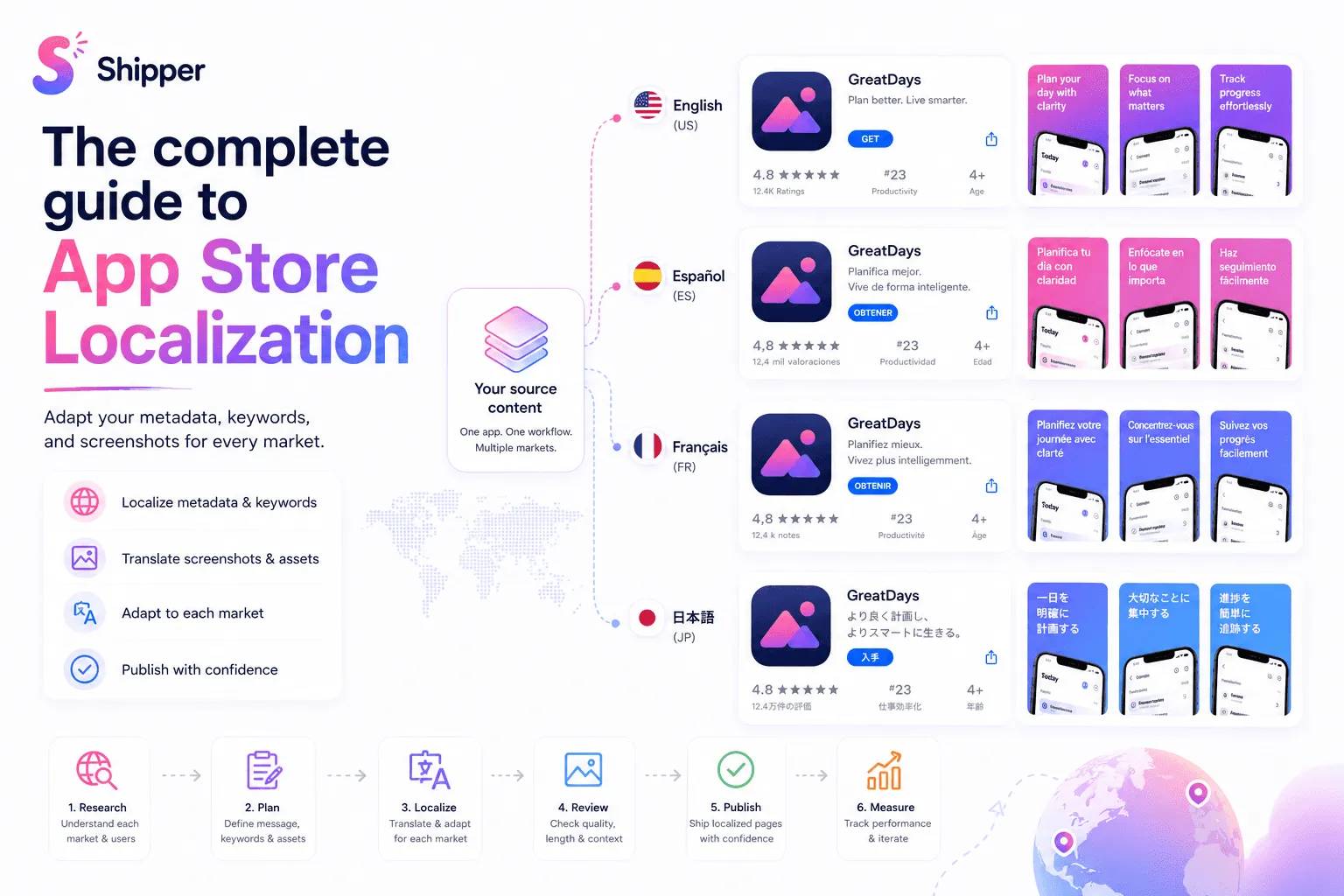
A practical App Store localization workflow
Use one repeatable process for every market.
Select the locale. Confirm Apple supports it and identify the countries or regions where it can appear.
Prepare the source content. Finalize the positioning before translation to avoid repeating work.
Research local language. Study terminology, search intent, cultural context, and competing ways to describe the problem.
Localize metadata. Adapt the name, subtitle, description, promotional text, keywords, What’s New text, and relevant URLs where supported.
Adapt visual assets. Translate screenshot copy and review examples, dates, currencies, names, devices, and cultural references.
Review in context. Check truncation, line breaks, text expansion, right-to-left layouts, readability, and consistency with the app.
Upload and verify. Select the correct language in App Store Connect and confirm each field and device set.
Publish and monitor. Track performance by territory and record what changed.
Screenshots should be localized as designed assets, not as text pasted over an exported image. Preserve hierarchy and readability when translations expand. Our guide to designing App Store screenshots that convert covers the visual principles.
Understand fallback behavior
Apple chooses the language shown using factors including the storefront, device language, available localizations, and the primary language in App Store Connect.
When you add a language, Apple says screenshots and other properties default to the primary language, except for the description and keywords. If no localization matches the user, Apple may show the next most relevant localization or the primary language. A missing localized app preview can also be replaced by the next best available language.
Fallback keeps the page available, but it can create a mixed-language experience. Review every locale as a customer would see it.
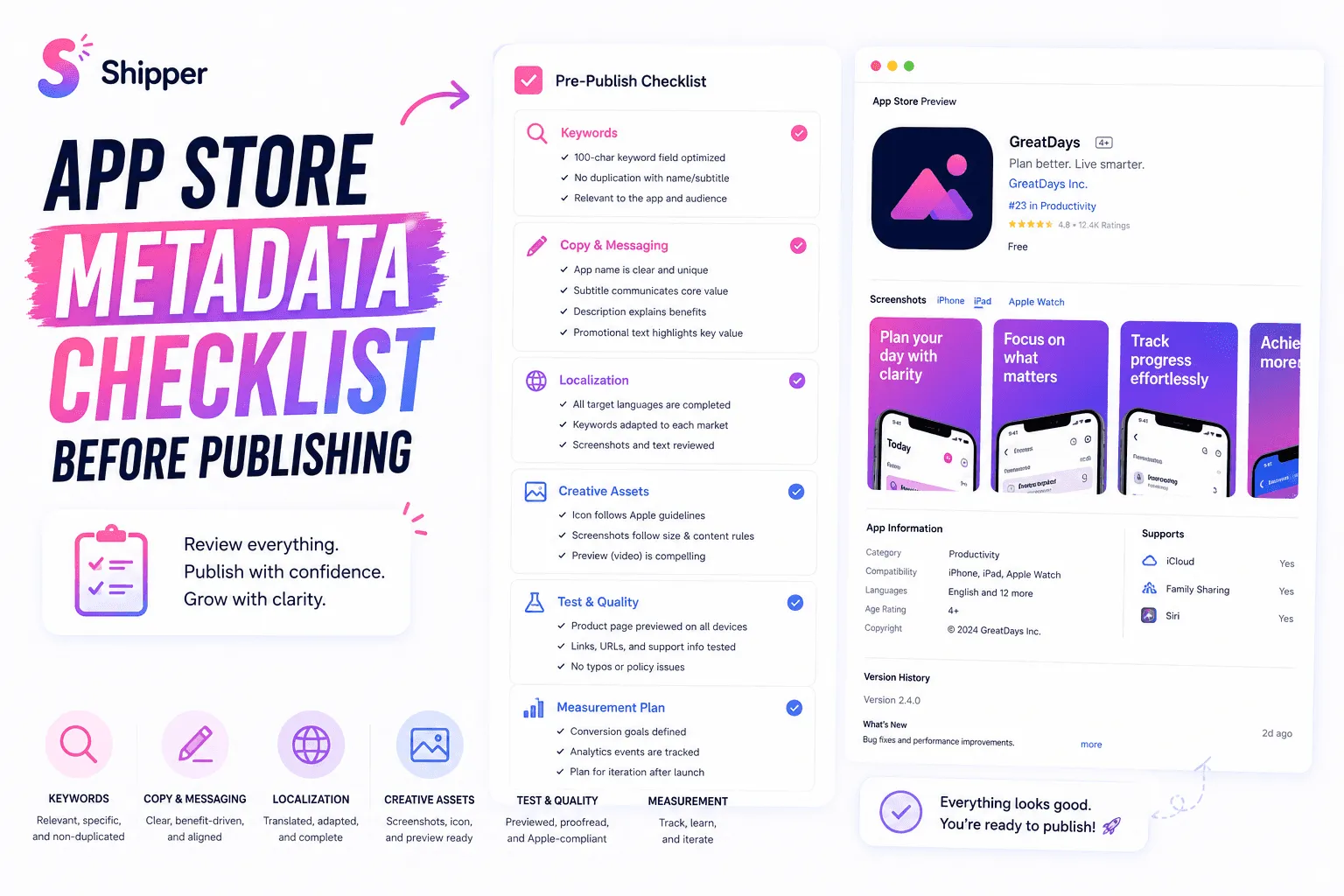
Before publishing, check:
No required field is empty.
Keywords match local search intent.
Screenshots use the intended language and device set.
Claims remain accurate in every locale.
Support, marketing, and privacy links work locally.
Metadata matches the language actually supported by the app.
Primary-language fallback is acceptable.
Use the complete App Store metadata checklist for the wider prepublication review.
Measure and maintain each localization
Localization is not finished after upload. Use App Analytics to compare product-page views, downloads, conversion, and engagement by territory. These signals can show where further investigation is useful, but they do not prove that one translation caused a change.
Update a localization when the product, audience, positioning, terminology, or evidence changes. Keep metadata and screenshots synchronized with new features. Avoid updating every market independently without a record, because pages quickly drift apart.
FAQ
Is App Store localization the same as localizing the app?
No. App Store localization adapts the product page and its metadata in App Store Connect. App localization adapts the interface and content inside the binary, usually through Xcode. They are separate workflows, but should create a consistent experience.
Should App Store keywords be translated directly?
Not really. It's better to research how people in each market describe the problem and search for this type of app. A literal translation may be grammatically correct but irrelevant to local search intent.
What happens if an App Store localization is missing?
Apple can display the next most relevant localization or the app’s primary language. Missing visual assets may also use content from another language, so review fallback behavior before publishing.
Build localization as one workflow
Effective App Store localization connects local search language, accurate metadata, relevant screenshots, and an app experience that meets the promise. Treat each locale as a complete product page, then review and maintain it over time.
If you need a structured way to organize, localize, and publish screenshots and metadata, Shipper can help keep that workflow together on macOS.