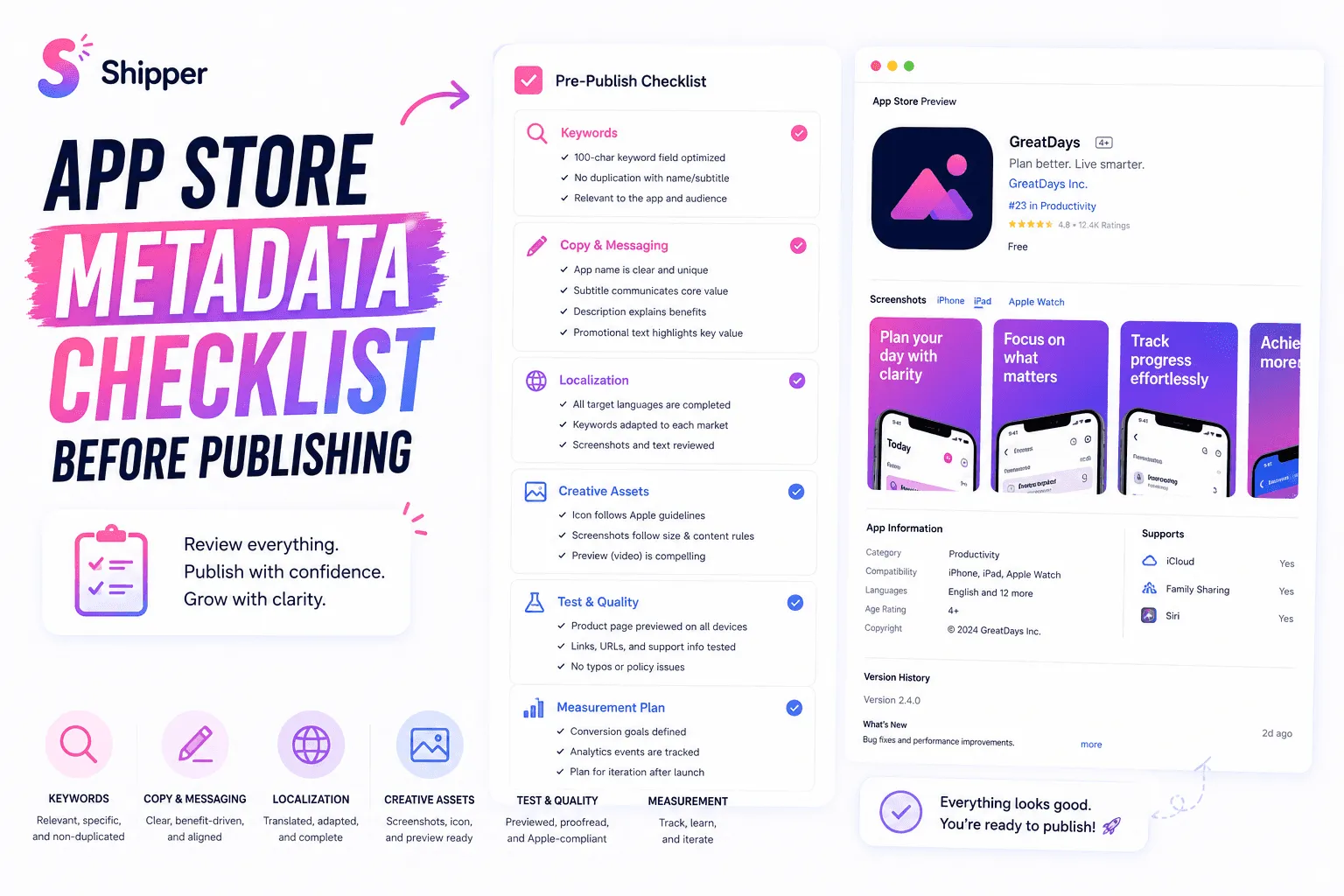
Use this App Store metadata checklist before submitting a new app or product-page update. It covers the fields that influence search relevance, the copy that helps people understand the product, and the assets that support conversion.
Metadata matters, but it doesn’t work alone. Apple considers text relevance alongside signals such as downloads, ratings, and reviews. Your screenshots, icon, localization, product quality, and audience fit also shape the result.
Confirm the strategy before writing metadata
Don’t start by filling empty fields in App Store Connect. Start with the person you want to reach.
Define the audience. Describe the users, their context, and the problem they need to solve.
Identify search intent. Write the phrases they might use when looking for this type of app.
Choose one central promise. The name, subtitle, description, and first screenshots should explain the same core value.
Separate facts from assumptions. Mark unverified keywords or positioning ideas as experiments.
Remove irrelevant traffic. A term isn’t useful if the app can’t meet the expectation behind the search.
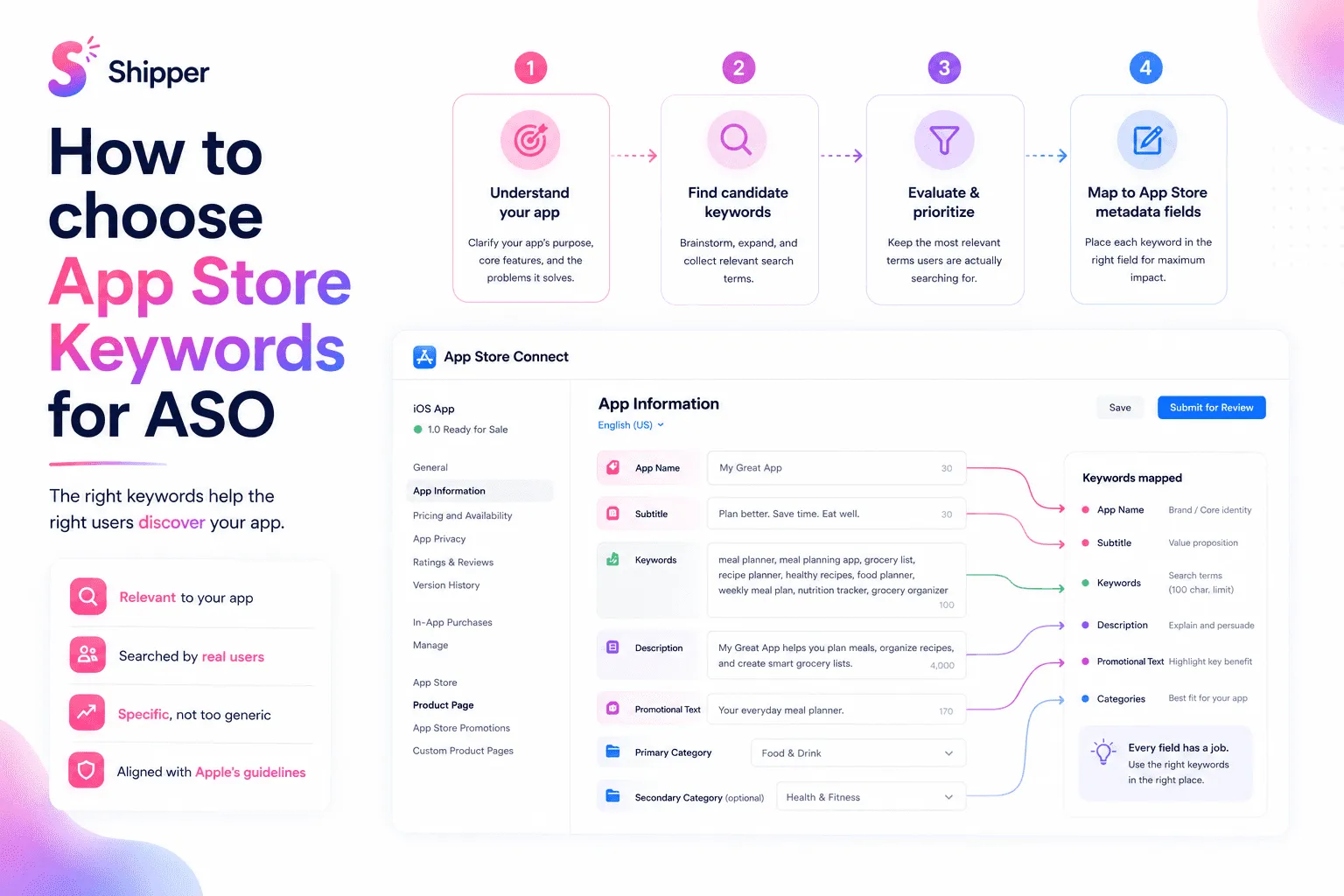
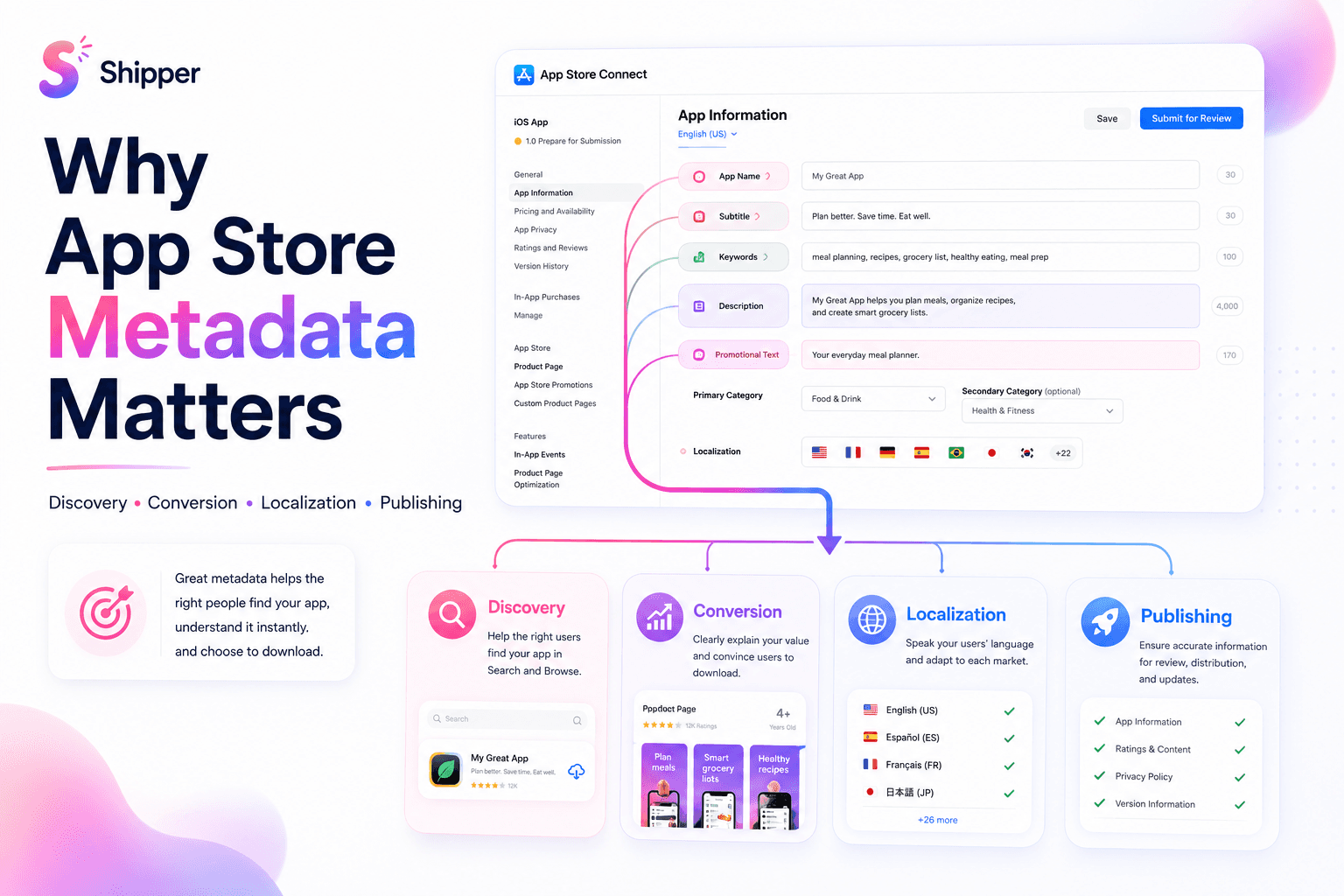
If you need the wider framework first, read What is ASO?. For more context on each field, see why App Store metadata matters.
App Store metadata checklist for search relevance
Apple says text relevance includes the app title, subtitle, keywords, and primary category. Review these fields together.
App name: Keep it distinctive, understandable, and within the 30-character limit.
Subtitle: Use its 30 characters to express a main benefit, feature, or use case.
Keyword field: Stay within 100 characters. Separate terms with commas and no spaces after commas.
No unnecessary repetition: Don’t repeat words already used in the name, subtitle, or category.
No misleading terms: Remove irrelevant terms, competitor names, unauthorized trademarks, and unsupported claims.
Relevant category: Select the primary category that best represents the app rather than the one that appears easiest to rank in.
Localized keywords: Research how each audience describes the problem. Don’t copy an English list into every locale.
Evaluate relevance and intent before estimated volume or difficulty. A smaller, precise query can be more useful than a popular term with the wrong audience. Our guide to choosing App Store keywords for ASO explains the complete selection process.
Check the copy and the complete product page
Not every field is a search-ranking field. Apple says promotional text doesn’t affect App Store search ranking and advises against adding unnecessary keywords to the description.
Description: Explain what the app does, who it helps, and why its main features matter.
Promotional text: Use it for timely information, not as extra keyword storage.
Support and privacy URLs: Confirm that every required link works and reaches the correct page.
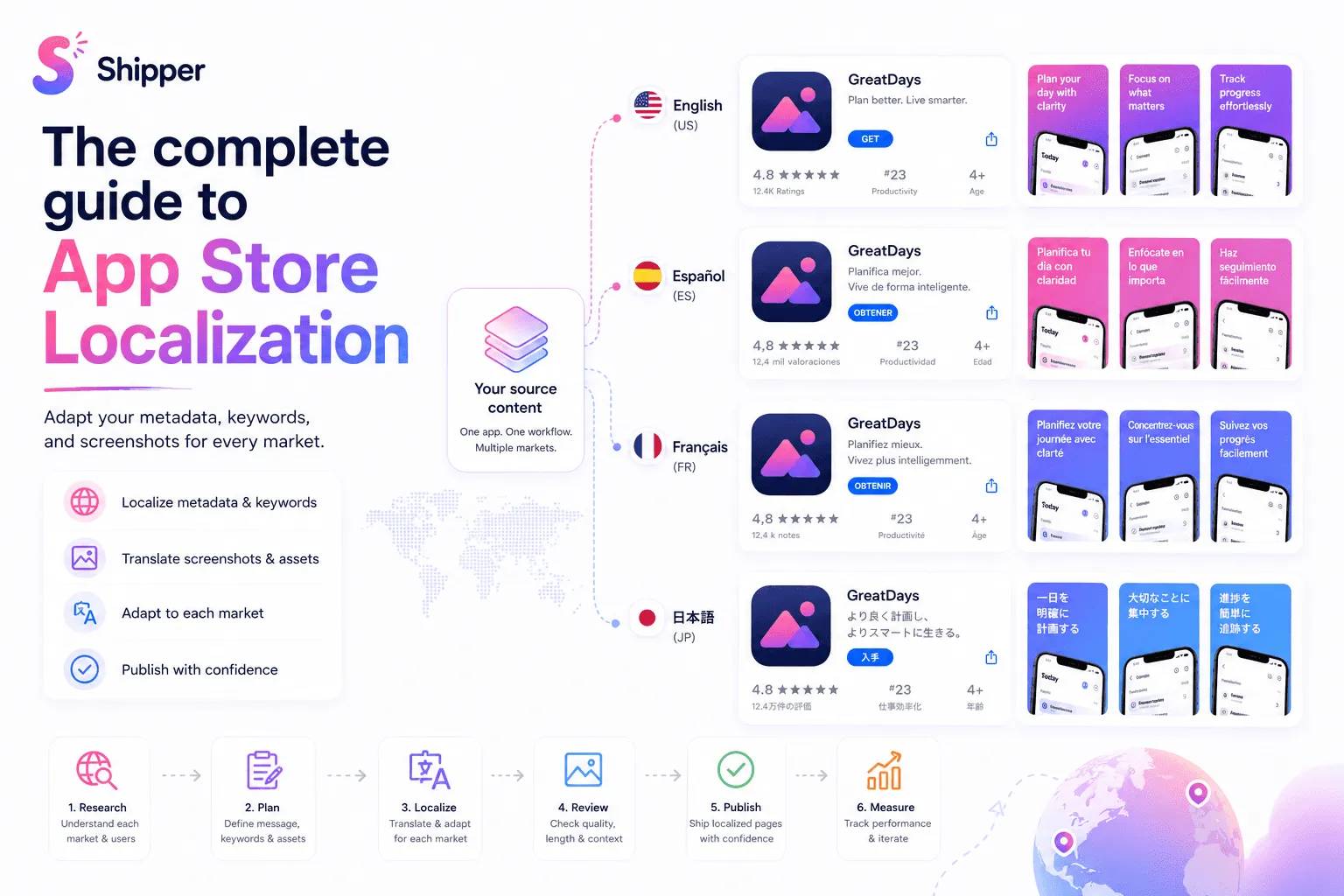
Localization: Review meaning, terminology, text length, links, and fallback behavior for every locale.
Screenshots: Make sure the first images support the promise made by the name and subtitle.
App icon: Check that it is recognizable at small sizes and fits the app’s positioning.
App previews: If used, verify that they show the real experience and remain clear without sound.
Ratings and reviews: Look for recurring expectation gaps that the product page should clarify.
A keyword can earn visibility while a confusing page loses the download. Treat metadata and creative assets as one explanation. Use the guide to designing App Store screenshots that convert to review the visual side.
Plan the update and measurement
There is no universal schedule for changing metadata. Update it when a product change, new audience insight, localization opportunity, or sustained performance signal gives you a reason.
Record the current version. Save the previous text, keywords, localization, and creative assets.
State the hypothesis. Write what you are changing and what outcome you expect.
Limit simultaneous changes. A smaller change is easier to interpret.
Check editing restrictions. Apple says promotional text can be updated without a new version, while the description is updated when submitting a new version. Other fields depend on the app’s status and Apple’s editable-property rules.
Choose a review date. Allow enough time and traffic before judging the result.
Monitor relevant metrics. Use App Analytics to review impressions, downloads, conversion rate, and source data.
Avoid claiming causation. A change in performance may have several causes.
For A/B testing, Apple’s Product Page Optimization setup guide lists app icons, screenshots, and previews. Apple’s Analytics documentation also references descriptions as of July 2026. Check the options available in your App Store Connect account before planning a text-metadata experiment.
FAQ
How often should App Store metadata be updated?
There is no fixed schedule. Update metadata when you have a clear product, positioning, localization, or performance reason, then allow enough time and data to evaluate the change.
Does metadata alone improve App Store ranking?
No. Metadata supports text relevance, but Apple also considers user behavior such as downloads, ratings, and reviews. Conversion assets, localization, product quality, and audience fit also matter.
Can I A/B test App Store metadata?
Apple’s current documentation isn’t fully consistent. Its setup guide lists icons, screenshots, and previews, while its Analytics documentation also mentions descriptions. Verify the testing options available in your App Store Connect account.
Complete the checklist before publishing
A useful App Store metadata checklist connects search intent, accurate keywords, clear copy, localized assets, and a measurement plan. Review the complete product page, not only the keyword field.
If you want to organize and publish screenshots, metadata, and localizations from one macOS workflow, Shipper can help keep the release process consistent.