
App Store screenshots for subscription apps should explain why the product deserves an ongoing place in someone’s routine before discussing a plan or price. Show the problem, outcome, and recurring experience. The in-app paywall can then explain the purchase.
Your product page creates expectations. The paywall presents plans, renewal terms, trial eligibility, and the final purchase decision.
Lead with value, not the subscription
A subscription is a business model, not the first benefit users need to understand. Your opening screenshots should answer:
Who is this app for?
What problem does it solve?
What result can the user expect?
Why will it remain useful next month?
A productivity app might promise a clearer weekly plan, then show reviews and progress tracking. A language app could lead with practical daily learning, then demonstrate lessons, feedback, and progress. A media app can show the depth and freshness of its catalog without making unverifiable claims.
The benefits versus features guide can help turn functions into specific outcomes.
Build a sequence that earns trust
A useful subscription screenshot sequence might follow this order:
Core promise: State the main result for the right audience.
First success: Show what users can accomplish during their first session.
Recurring workflow: Demonstrate the habit, update, library, or service providing ongoing value.
Depth or progress: Show history, personalization, advanced tools, or discovery.
Trust: Address privacy, compatibility, or verified proof when relevant.
Subscription expectation: Identify subscription-only capabilities when needed.
Give each frame one main idea. Use a benefit-led headline and show the real interface supporting it. Put the central value early because many visitors will not inspect the complete set.
For more structure, see Screenshot storytelling techniques.
Be clear about paid features
Apple’s App Review Guideline 2.3.2 says descriptions, screenshots, and previews should indicate when featured items, levels, subscriptions, or other content require additional purchases.
This does not mean every frame needs a price label. It means the overall presentation must not imply that subscription-only functionality is included without another purchase.
Use concise wording such as “Available with Pro” where clarification is necessary. Keep it secondary to the benefit but readable. Avoid misleading prices, expired promotions, or vague “free” claims. Screenshots are reviewed metadata and must match the current app and offer.
Treat trials and prices as changeable information
A free trial can reduce uncertainty, but it is not available to every visitor. Apple says customers are eligible for one introductory offer per subscription group. Offers can also vary by country, region, and schedule.
Avoid placing a fixed trial or price prominently in evergreen screenshots unless you can maintain every affected localization and storefront. “Start your free trial” can become inaccurate when an offer changes or a returning subscriber is ineligible.
The purchase flow should provide precise terms. Apple requires the subscription name, duration, included service, full renewal price, and a way to restore purchases. For a free trial, it must clearly show the duration and price charged afterward.
Screenshots should prepare users for the value. The paywall should provide current transaction details.
Localize the value proposition
Subscription value can differ by market. A budgeting app might emphasize automation in one region and shared planning in another.
For each localization, review:
The benefit and tone
Subscription terminology
Claims and evidence
Text expansion and line breaks
The language visible inside the app
References to trials, prices, currencies, or availability
Avoid embedding fragile price information when App Store Connect manages localized subscription prices. If no screenshot localization matches a user’s language, Apple may apply fallback behavior, so every primary asset should remain understandable.
Use the App Store localization guide for the wider workflow.
Test how you present recurring value
Apple’s Product Page Optimization supports treatments with alternative screenshots, previews, and app icons. Test one focused hypothesis, such as:
Outcome-first versus workflow-first sequencing
Progress tracking versus content depth as the second message
A trust-focused third frame versus an advanced feature
Keep unrelated frames and visual variables stable. Otherwise, you will not know which difference influenced the result.
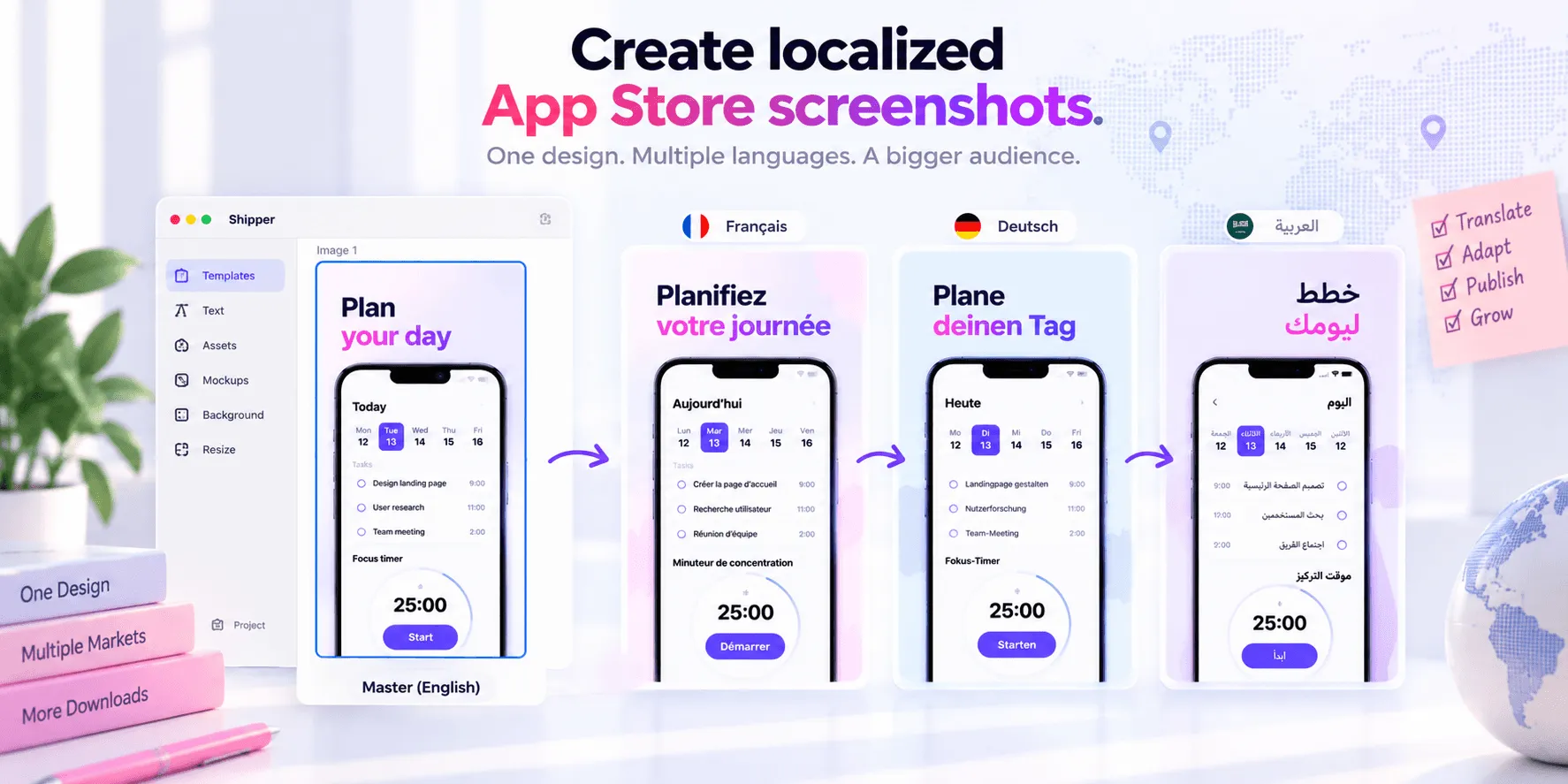
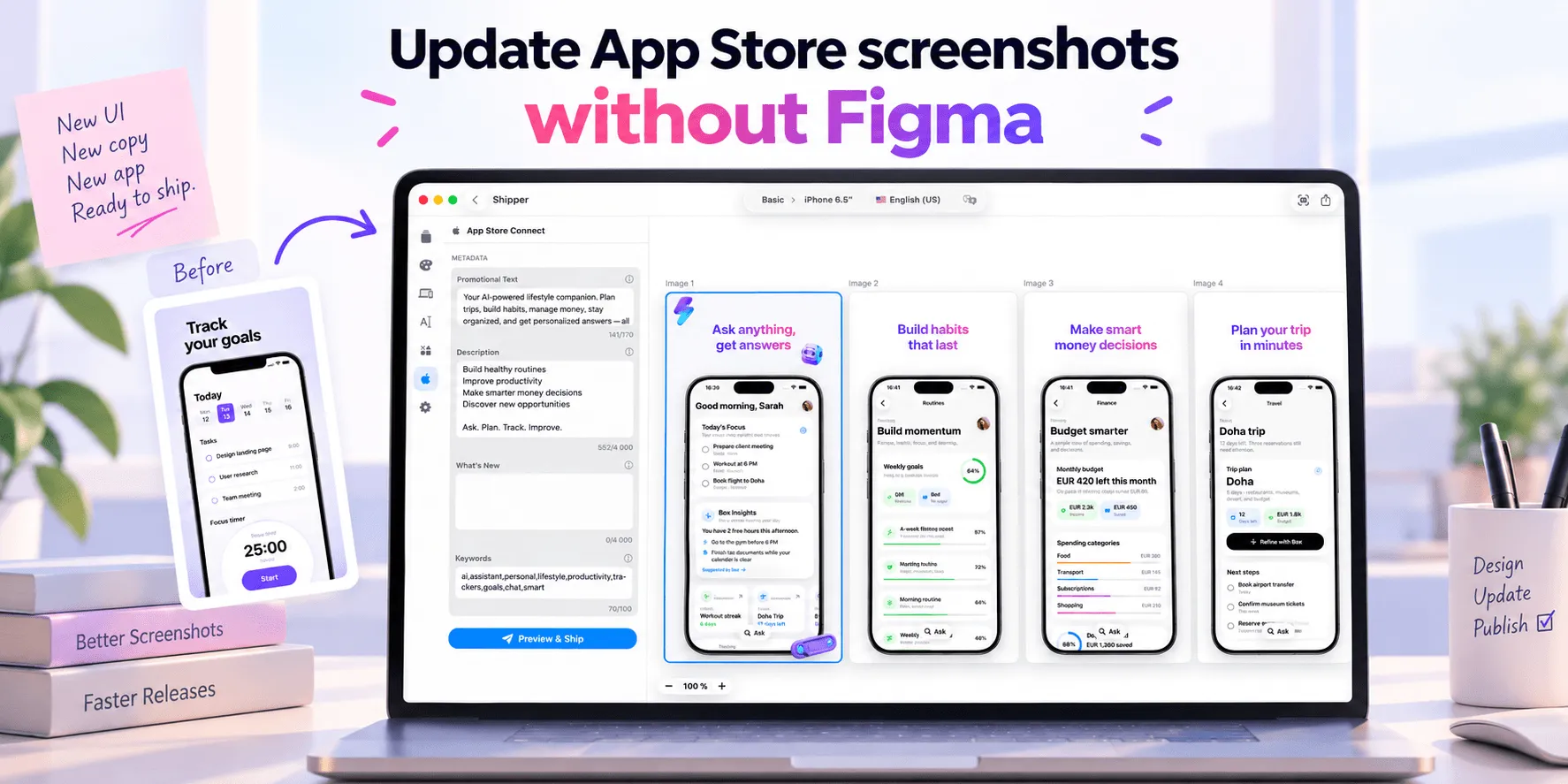
Shipper can help prepare reusable templates, creative variants, supported Apple specifications, localized copy and metadata, previews, and approved uploads to App Store Connect. Product Page Optimization remains Apple’s testing environment.
Read How to A/B test App Store screenshots before launching a treatment.
Final checklist
Before submitting subscription app screenshots, confirm:
The first frames explain the app before the paywall.
Recurring value is visible and specific.
Every headline is supported by current UI.
Paid features are identified where necessary.
Trials and prices are accurate and qualified.
Screenshots match the submitted subscription experience.
Every localization has been reviewed.
Claims and social proof can be verified.
Strong subscription screenshots do not sell a billing period. They show why the product remains useful, set honest expectations, and let the paywall explain the purchase clearly.
FAQ
Should App Store screenshots show the subscription paywall?
Only when the paywall helps explain the experience or sets an important expectation. The sequence should first establish the product’s value with real UI.
Must screenshots identify subscription-only features?
Apple requires screenshots, previews, and descriptions to indicate when featured content or functionality requires an additional purchase. Use clear wording without overwhelming the main message.
Should I include subscription prices in screenshots?
Usually not. Prices and offers may vary by storefront or change over time. Use screenshots for durable value propositions and keep current transaction details in the purchase flow.
Can I advertise a free trial in App Store screenshots?
Yes, when the claim is accurate and properly qualified. Eligibility and availability can vary, so the screenshot must not imply that every visitor will receive the offer.