
App localization can increase downloads by helping more people discover an app, understand its value, and trust that it fits their needs. The effect isn’t automatic. Localization only helps when the language, market, product page, and app experience work together.
App localization creates more relevant discovery
Apple says App Store search considers text relevance, including matches with an app’s title, subtitle, keywords, and primary category. Localized metadata gives you another way to describe the product using terms people actually search in a specific market.
A direct translation isn’t enough. The same feature may have different names, levels of popularity, or search intent across regions. Research local terminology, then choose keywords that accurately match the app.
For example, a budgeting app might target people who search for expense tracking in one market and household budgeting in another. Both needs can be valid, but the product page should emphasize the use case that matters locally.
This can create relevant discovery opportunities. It doesn’t guarantee a ranking, because Apple also considers user behavior such as downloads, ratings, and reviews. Learn how to evaluate terms in the guide to choosing App Store keywords.
Localization reduces product-page uncertainty
Finding the app isn’t enough. People still need to understand what it does and why they should download it.
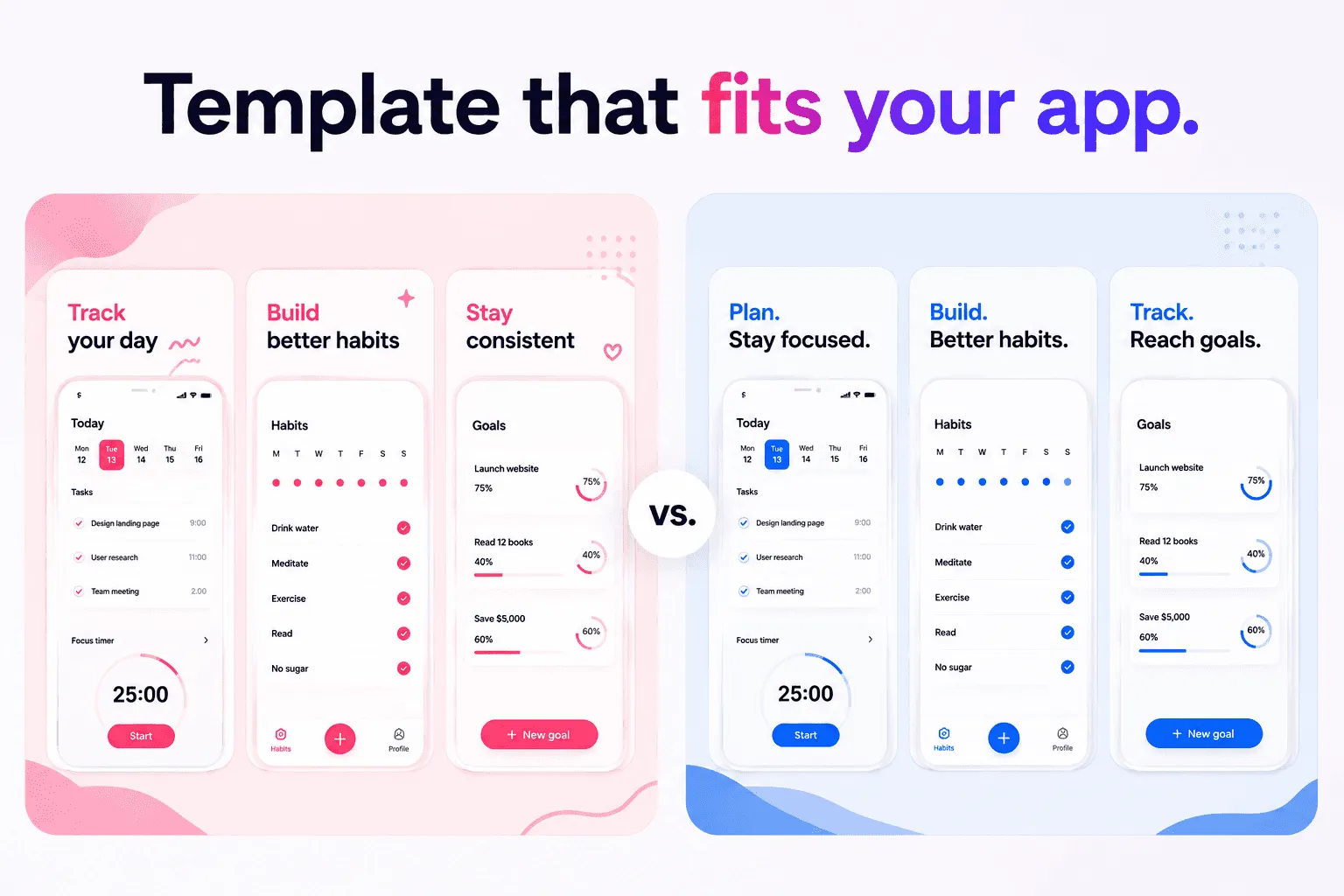
A localized name, subtitle, description, and promotional text can make the value easier to understand. Localized screenshots and previews can show the same promise visually. This is especially important because screenshots can appear directly in search results.
Good localization also adapts context. Dates, currencies, examples, names, devices, and cultural references may need to change. The aim is to remove friction without changing the truth of the product.
Screenshots should preserve visual hierarchy when translated text expands or contracts. The guide to designing App Store screenshots that convert explains how to keep the message readable.
Apple says supporting multiple languages lets people understand an app more easily and may make them more likely to download it. “May” matters. Clearer communication creates an opportunity, not a guaranteed result.
The app experience must fulfill the promise
App Store localization and app localization are separate workflows. You can translate metadata in App Store Connect without localizing the binary in Xcode.
That can be useful for testing interest, but the listing must remain accurate. If the product page suggests a complete French experience while the app is English-only, people may abandon the app, leave negative feedback, or feel misled.
The strongest experience connects:
localized search terms
clear product-page copy
localized screenshots
an app interface that supports the language
suitable support and privacy information
Localization works best when the journey remains consistent after the download. For the implementation workflow and Apple’s fallback behavior, read the complete guide to App Store localization.
When localization is most likely to help
Prioritize markets where you have evidence of both interest and product fit.
Apple recommends reviewing territory-level signals such as product-page views, app units, sales, active devices, usage, and retention. Support requests, website traffic, and customer conversations can add context.
Localization is more promising when:
people already visit or download the app from the market
the app solves a relevant local problem
conversion appears weaker than interest
the product can support the language honestly
you can maintain metadata and screenshots after launch
Translation alone is unlikely to help when the product has little market fit, local competition is stronger, pricing is unsuitable, or the app experience contradicts the listing.
Measure localization without overclaiming
Create a baseline for each territory before publishing. Record product-page views, impressions, downloads, conversion, and engagement where available.
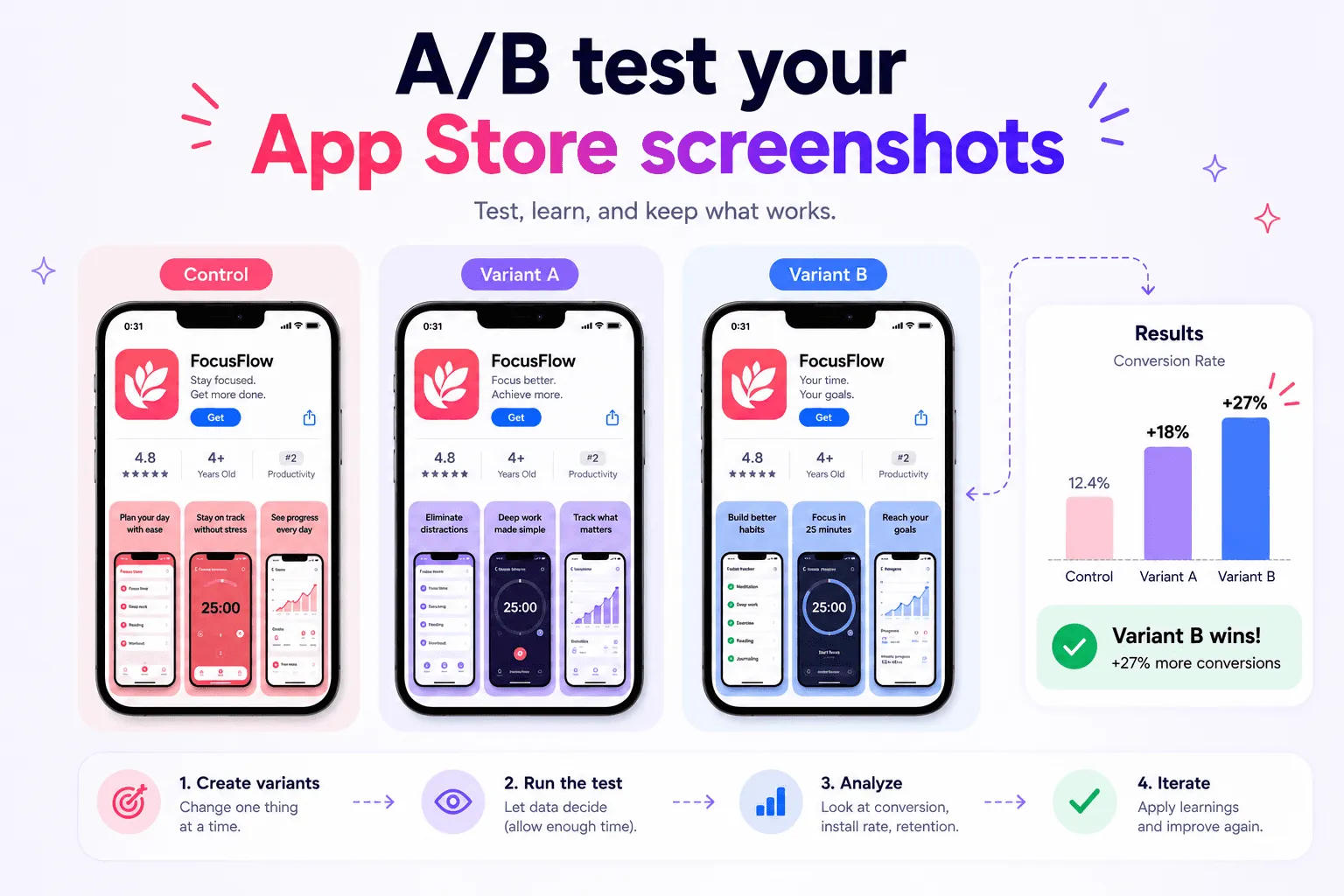
Document every change to metadata, keywords, screenshots, previews, and the app itself. Avoid changing unrelated elements at the same time. After publishing, allow enough traffic and time before judging the result.
Separate discovery from conversion:
More impressions may indicate stronger search relevance or broader visibility.
A higher conversion rate may indicate that the product page communicates more clearly.
Better engagement may indicate that the app experience fulfills the localized promise.
These patterns are useful, but they don’t prove causation by themselves. Seasonality, featuring, reviews, paid acquisition, pricing, releases, and competitor activity can also change performance.
App localization should be treated as an informed product and marketing investment, not a one-time translation task. The wider ASO guide explains how these signals work together.
FAQ
Does localization always increase app downloads?
Not really. Localization can improve discovery and product-page clarity, but results depend on market demand, product quality, competition, pricing, reviews, and how well the app supports the localized promise.
Should I localize the App Store page before the app?
You can localize App Store metadata separately, but the listing must describe the available experience accurately. A localized page is stronger when the app and support experience also serve that language.
Which market should I localize first?
Start with a market showing existing interest and a strong product fit. Review territory-level product-page views, downloads, conversion, engagement, sales, retention, and user feedback before prioritizing.
Localization can support sustainable download growth
App localization can increase downloads when it improves relevant discovery, reduces uncertainty, and creates a consistent experience after installation. It can’t repair weak market fit or an unclear product.
Choose markets with evidence, localize metadata and visual assets together, measure each change, and keep the page aligned with the app. Shipper can help organize, localize, and publish screenshots and metadata as that workflow expands.