
Xcode 27 is now the current stable toolchain for Apple's newest platform SDKs. For App Store publishers, the biggest changes are a unified Device Hub, agent-assisted localization, and a path toward the SDK 27 submission requirement coming in April 2027.
You may not need to migrate your production build today. Apple still accepts eligible iOS, tvOS, and visionOS builds created with Xcode 26 or later. However, teams should start validating their apps with Xcode 27 now, especially if they plan to ship after the April 2027 deadline.
Do you need Xcode 27 now?
Apple says Xcode 27 requires macOS Tahoe 26.6 or later. It includes the iOS 27, iPadOS 27, macOS 27, tvOS 27, watchOS 27, and visionOS 27 SDKs.
The important distinction is between availability and submission requirements:
Xcode 27 is available now for development and testing.
Xcode 26 builds still meet Apple's current minimum for several major platforms.
Starting in April 2027, Apple will require uploads for iOS, iPadOS, tvOS, visionOS, and watchOS to use the corresponding version 27 SDK or later.
Upgrade early if your app depends on a new SDK, you need to test on version 27 systems, or your release schedule approaches that deadline. You can wait before changing the production toolchain if your current setup remains accepted and you need more time to validate dependencies, build scripts, and continuous integration.
Before upgrading, confirm that every development and CI Mac can run macOS Tahoe 26.6.
Device Hub brings testing into one place
Xcode 27 introduces Device Hub as the central place for physical devices and Simulators. You can choose run destinations, pair devices, inspect device information, change Simulator appearance, download diagnostics, and capture screenshots or videos.
This encourages publishers to check the same app across several relevant configurations before creating store assets.
Device Hub does not remove the need for physical-device testing. A Simulator can help verify layout, language, color scheme, and common flows. Real hardware remains important for performance, camera behavior, notifications, purchases, and device-specific interactions.
Device Hub also does not replace TestFlight. It supports development testing, while TestFlight distributes processed beta builds to internal and external testers. External testing may still require TestFlight App Review.
For the wider release sequence, follow this complete App Store publishing guide.
Localization agents work on the app, not its store page
Xcode 27 can use coding agents to help add languages, update string catalogs, translate strings, and create plural variants. Apple recommends giving the agent context about your audience, tone, and terminology, then reviewing the result with a native speaker when possible.
You can test a localization in previews or select a language and region in the Run scheme. This helps reveal truncation, missing strings, and layouts that fail after text expansion.
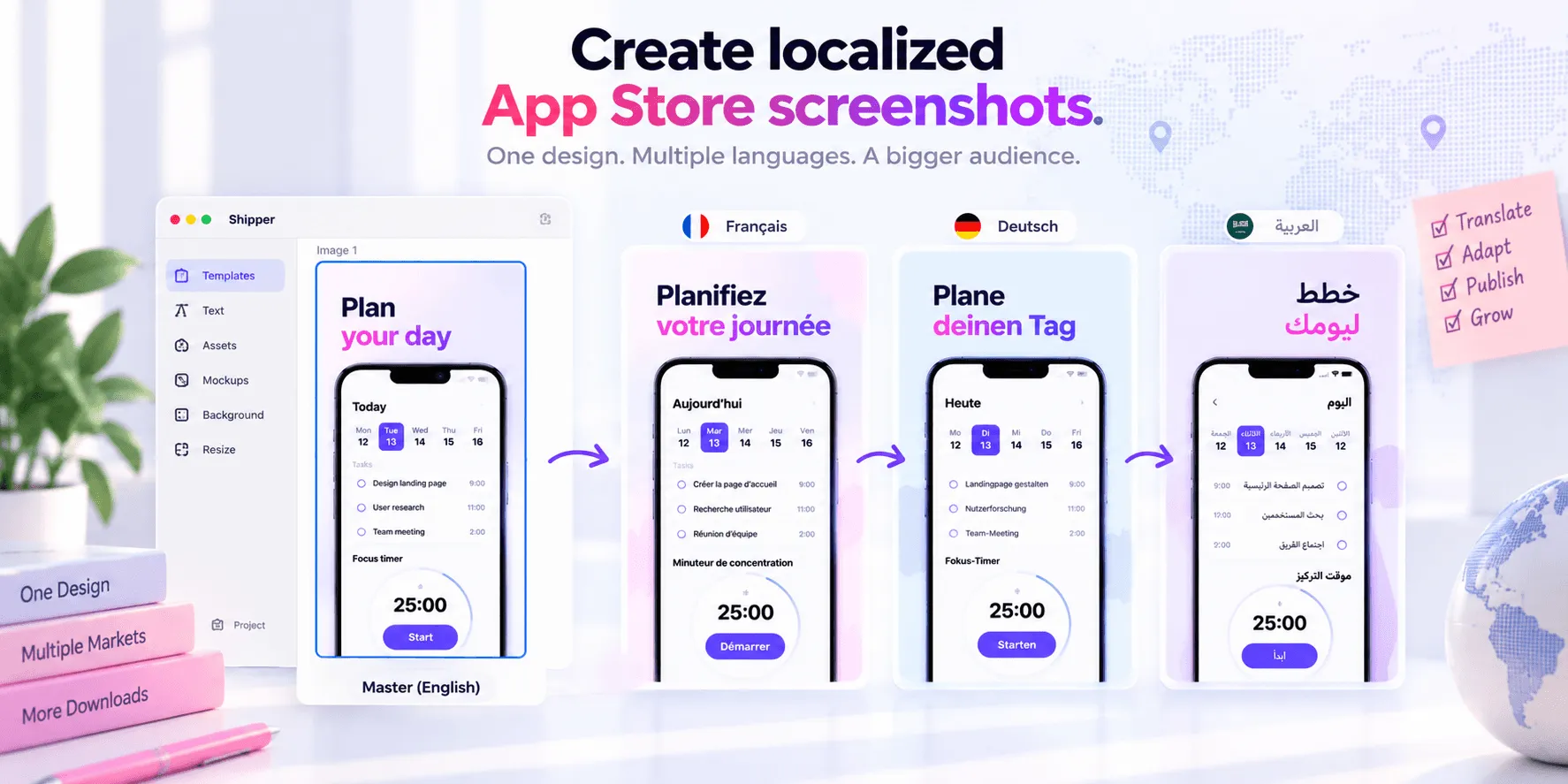
However, these features localize resources inside your app. They do not automatically localize your App Store screenshots, subtitle, description, keywords, or other App Store Connect metadata. Those assets form a separate publishing workflow.
A good process keeps both layers aligned. The App Store localization guide explains how to adapt metadata and visual assets by market.
Build and upload remain familiar
Xcode 27 does not replace the established release sequence. You still need to verify the bundle identifier, version and build numbers, signing, capabilities, icons, privacy configuration, and Release behavior. Then archive the app, validate it, and upload the build.
App Store Connect processes the upload before it becomes selectable. The bundle ID, version, and build string associate it with the correct app record. You can then distribute the build through TestFlight or select it for an App Store version.
Apple also supports other upload methods, including Transporter and documented command-line or API workflows. Xcode remains the direct option for most development teams.
After upload, App Store Connect is still where you complete pricing and availability, choose the build, review metadata, configure release settings, and submit the version to App Review. Xcode prepares the binary. It does not finish the product page.
The product-page workflow still happens after Xcode
Once the build is ready, publishers need accurate screenshots and localized metadata. That includes choosing real screens, creating a readable narrative, checking current specifications, and keeping every localization consistent with the submitted app.
Shipper fits at this stage. Apple developers can import or capture app screens, create reusable designs, adapt layouts to supported Apple screenshot specifications, manage localized screenshot copy and metadata, preview the result, and publish approved assets to App Store Connect.
Xcode remains responsible for building and testing the app, while Shipper helps manage its presentation. Before publishing, check Apple's current screenshot guidelines and use an App Store metadata checklist.
Xcode 27 upgrade checklist
Confirm every development and CI Mac supports macOS Tahoe 26.6.
Record the current Xcode, SDK, Swift, and deployment-target settings.
Create a test branch before changing the production toolchain.
Install the Simulator runtimes your supported devices require.
Build, archive, and validate the app with Xcode 27.
Test critical flows on Simulators and physical devices.
Test localizations, accessibility, purchases, and permissions.
Upload a build and verify that App Store Connect processes it correctly.
Run a TestFlight cycle before the production submission.
Review screenshots and metadata separately from the binary.
Plan to meet Apple's SDK 27 requirement before April 2027.
Xcode 27 modernizes testing and localization, but it does not change the fundamental publishing responsibility. Adopt it deliberately, verify the full release path, and keep the app build and product page consistent.
FAQ
Is Xcode 27 required for App Store submissions?
Not yet for every submission. Apple currently accepts eligible iOS, tvOS, and visionOS builds created with Xcode 26 or later, but SDK 27 becomes the minimum for specified platforms in April 2027.
What Mac does Xcode 27 require?
Xcode 27 requires macOS Tahoe 26.6 or later. Confirm your Mac can run that version before changing your production toolchain.
Does Xcode 27 localize App Store screenshots and metadata?
No. Its agent-assisted localization works on app resources such as string catalogs. App Store screenshots and metadata remain separate product-page assets.
Does Device Hub replace TestFlight?
No. Device Hub supports development testing on simulated and paired physical devices. TestFlight distributes beta builds to internal and external testers.