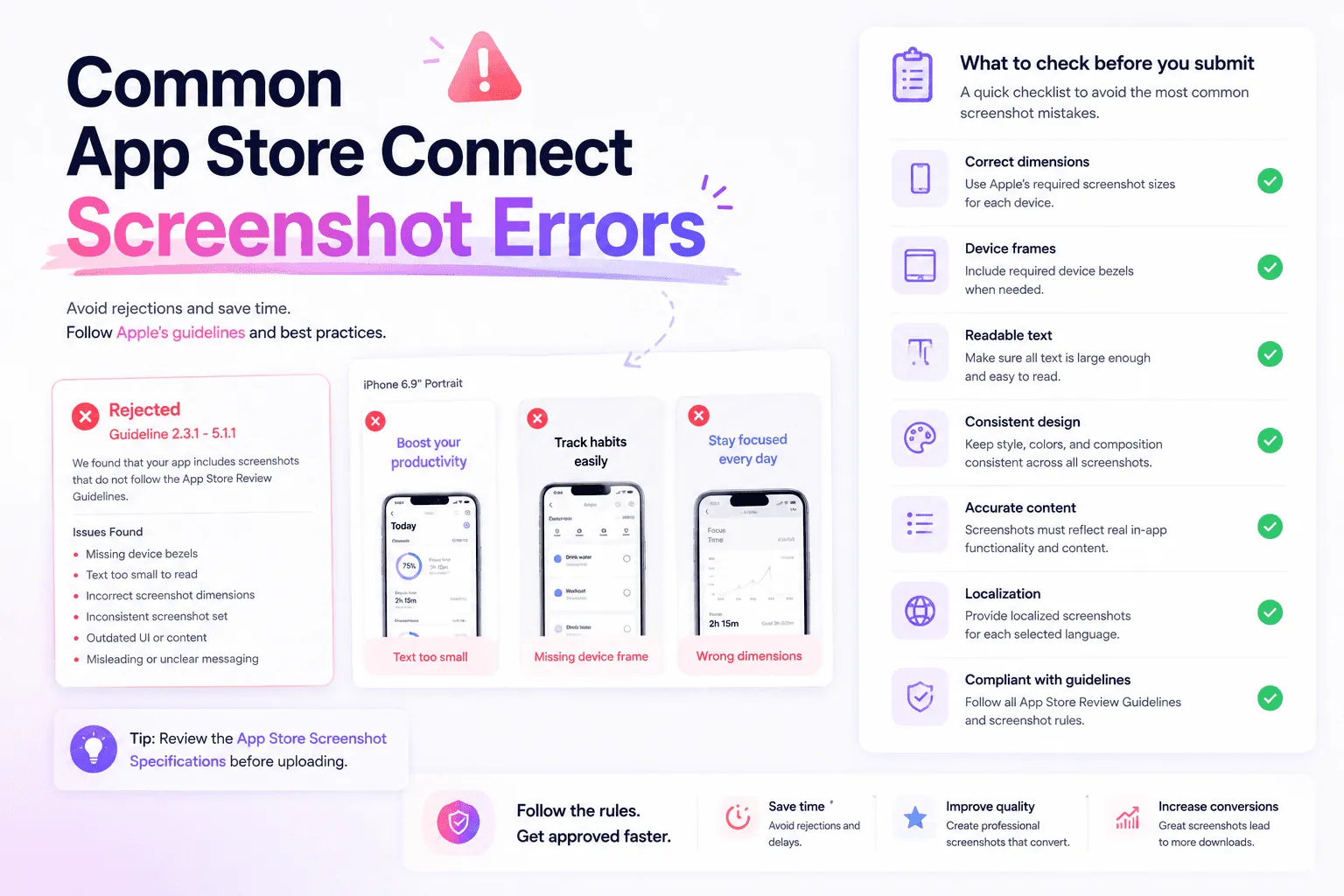
App Store screenshot errors aren't limited to rejected uploads. A technically valid file can still confuse users, show the wrong language, or tell an incoherent story.
Before publishing, check three layers: technical compliance, localization accuracy, and visual communication. A problem in any layer can delay submission or weaken the product page.
App Store screenshot errors that block or complicate uploads
Apple accepts between one and ten screenshots per supported device size in JPEG, JPG, or PNG format. Images can't contain transparency. Each file must match one of Apple’s accepted dimensions and orientations.
Common technical errors include:
Try exporting a design at the wrong pixel dimensions
Try uploading a portrait image into a landscape screenshot set
Leaving an alpha channel in a PNG
Missing a required display size for a supported platform
Mixing outdated and current UI across the same set
Uploading screenshots in the wrong order
Showing features that aren't available in the submitted build
Apple can scale high-resolution screenshots to certain smaller displays when the interface is identical. This doesn't mean every size is accepted. Check the current specifications before exporting.
Screenshots can only be changed while the app version has an editable status. Once a version is approved, updating them requires a new version. The App Store screenshot guidelines explain the current technical rules in more detail.
Localization errors users notice immediately
Every screenshot set must belong to the correct localization. A Spanish headline inside the French localization tells visitors that the page wasn't reviewed for them.
App Store Connect may initially derive screenshots from the primary language when you add a localization. Review what will actually appear instead of assuming every market already has a custom set.
Check for:
The wrong language assigned to a locale
English UI combined with translated marketing copy without a deliberate reason
Captions translated while labels inside the mockup remain untranslated
Text expansion that clips German, French, or other longer translations
Dates, currencies, names, and examples that don't fit the market
A localized claim that is no longer accurate
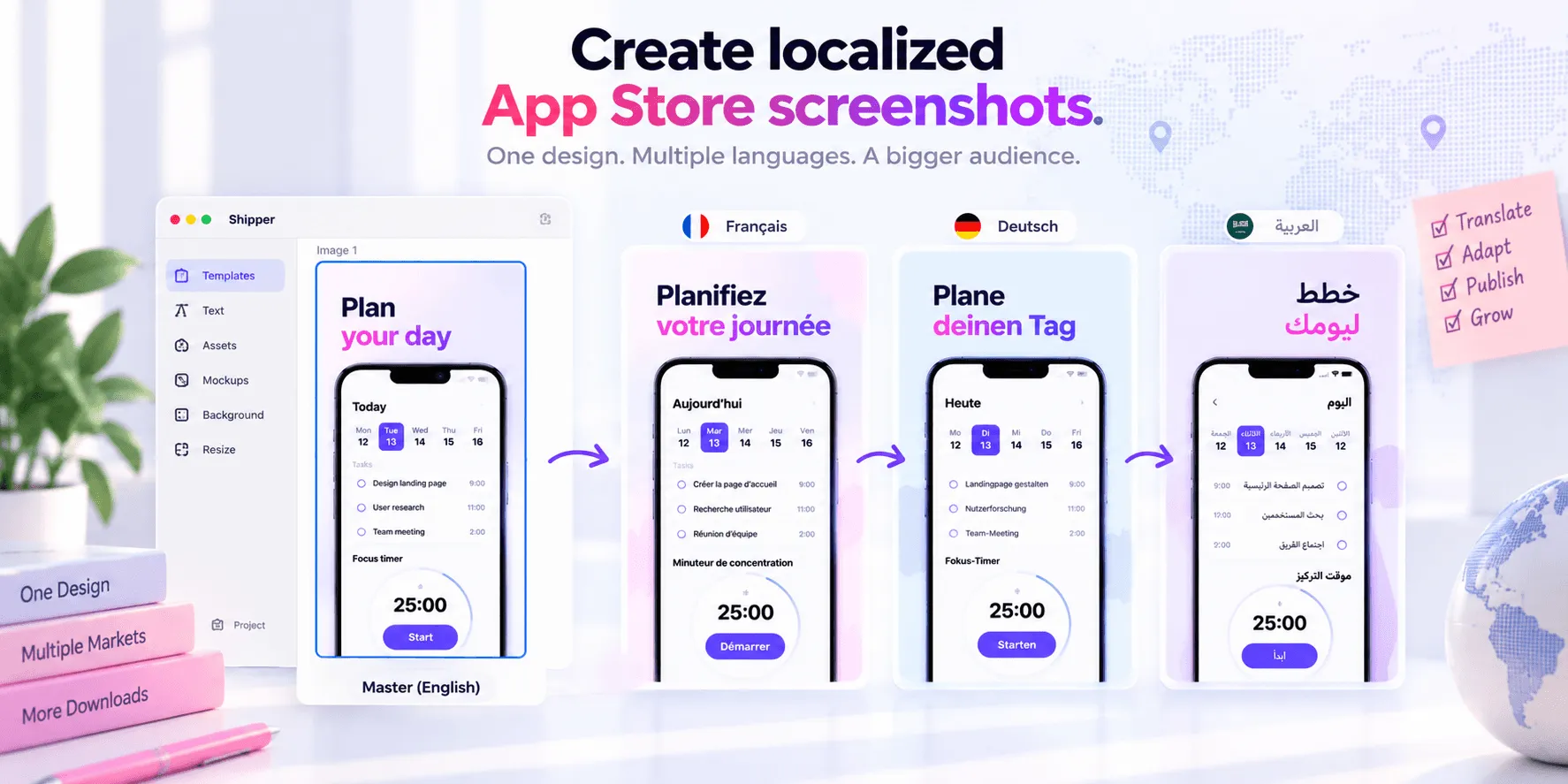
Localization is contextual adaptation, not find-and-replace. Review each screenshot at its final size. For a reusable process, follow the App Store localization guide.
Shipper can organize sets by localization, adapt reusable layouts, and publish approved assets.
Design errors that weaken the screenshot story
A screenshot needs a clear visual hierarchy. The viewer should understand the main benefit before inspecting the interface.
A practical order is:
Benefit-led headline
Optional supporting sentence
App interface or device mockup
Relevant icon, badge, or proof
Secondary decoration
Not every screenshot needs every element. Decorative shapes, oversized device frames, and multiple badges often compete with the message. Use one main idea per frame, readable type, sufficient contrast, and consistent spacing.
Hierarchy also applies across the set. First establish the app’s promise, then explain benefits, address objections, and provide proof. A random feature collection makes the visitor invent the story.
The screenshot design guide covers this process from positioning to publishing. Shipper templates can help maintain the same hierarchy while adapting the design to different Apple screenshot specifications and languages.
Use social proof without creating a compliance risk
Social proof can make a screenshot more credible when it is relevant and verifiable. Examples include a genuine award, an attributable press quote, an accurate rating, or a current user milestone.
Before using it, verify the source, wording, date, permission, and territory. Keep evidence in your editorial records. Don't invent testimonials, round up ratings, imply Apple endorsement, or use unsupported claims such as “number one” or “best app.” Apple requires screenshots and other metadata to represent the app accurately.
If the proof becomes outdated, remove or update it. A precise product benefit is safer than a dramatic claim you can't substantiate.
Pre-upload screenshot checklist
Every file uses an accepted format, dimension, and orientation.
Required platforms and display sizes are covered.
Screenshots match the current submitted build.
Each asset is assigned to the correct localization.
Translated text, UI, examples, and claims are reviewed in context.
Headlines remain readable at App Store scale.
Each frame communicates one main idea.
The sequence tells a deliberate story.
Social proof is current, attributable, and documented.
The final order has been checked in App Store Connect.
FAQ
Why won't App Store Connect accept my screenshot?
The file may use an unsupported dimension, orientation, format, or alpha channel. Compare it with Apple’s current screenshot specifications for the exact platform and display size.
Can I use the same screenshots for every localization?
App Store Connect can derive screenshots from the primary language, but that doesn't make them locally appropriate. Use localized sets when language or market context affects comprehension.
Can App Store screenshots include ratings or testimonials?
Yes, when the proof is truthful, current, attributable, and used with any necessary permission. Avoid fabricated reviews, unsupported rankings, and anything that implies Apple endorses the app.
Conclusion
Preventing App Store screenshot errors requires more than exporting the right dimensions. Check the technical file, the localization, and the story as one system.
When screenshot sets grow across devices and markets, Shipper can help you keep templates, localized variants, specifications, and App Store Connect publishing in one focused workflow.